
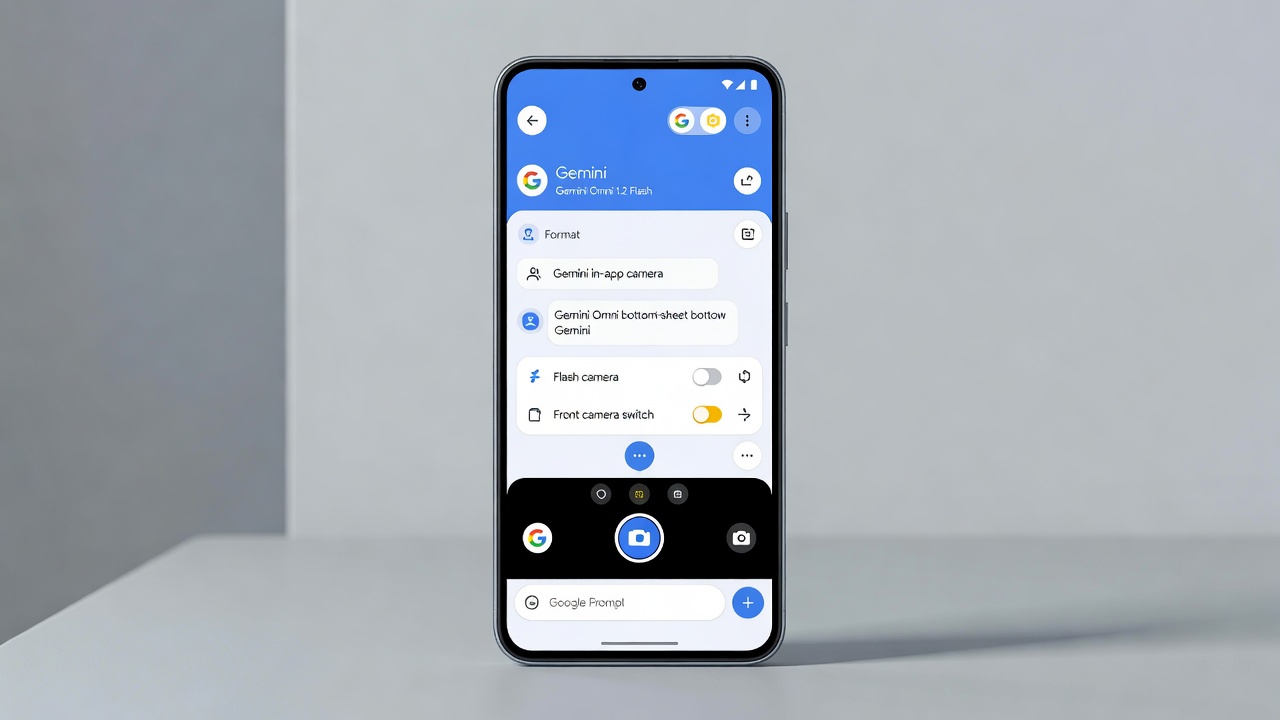
Google is rolling out a redesigned camera interface inside the Gemini app for Android, replacing a generic fullscreen viewfinder with an inline bottom-sheet design. The update, already live on iOS, is now reaching Android users in both the beta and stable channels starting with version 17.76.
What changed in the interface
Previously, tapping the camera option from the "plus" menu in Gemini's prompt box launched a separate fullscreen viewfinder - functional but visually unremarkable. That older interface still appears when the camera is launched from the Gemini overlay, suggesting Google hasn't yet unified every entry point.
The new design instead appears directly on the Gemini homepage or within an ongoing conversation. It opens as a bottom sheet that users can drag upward, with an animation that expands it to nearly fill the screen, extending edge-to-edge behind the system navigation bar. A three-dot overflow button sits beside the capture button, animating open to reveal controls for flash and for switching to the front-facing camera. A back button offers an exit, though swiping down works just as well.
Why the rollout matters
This redesign is a practical rather than cosmetic shift: the in-app camera lets users quickly attach a photo to a Gemini prompt - for instance, asking the AI to identify an object, translate text in an image, or analyze a scene - without leaving the conversation flow. A smoother, more integrated capture experience reduces friction for that kind of visual query, which has become a common way people interact with AI assistants.
Users who don't yet see the new camera UI can try force-stopping the Google app, a common troubleshooting step for staged server-side rollouts, which often arrive at different times depending on region and account.
Part of a broader push
The camera update follows closely behind another Gemini feature: GIF creation, which launched a day earlier and is powered by the Gemini Omni 1.2 Flash model. Users can select GIF from the Format menu or simply type "Create a GIF" in a prompt - a feature Google positions as an alternative to searching for existing GIFs online rather than a search substitute.
Together, these releases reflect Google's steady cadence of incremental updates to Gemini across platforms, including recent additions like computer-use controls in the Mac app, free task scheduling in select countries, and messaging integration through Google Messages and iMessage.